UNIT 1 – Learning Paths using Symbaloo
A Learning Path is a selection of courses tied together for learners to progress through, mastering a particular subject or program. It allows you to enroll multiple users in multiple courses at once saving you valuable time.
Learning Paths using Symbaloo
Symbaloo is a free online environment to adapt and create a PLE (Personal Learning Environment) that adapts to the characteristics of students with autism. It is a visual environment with configurable icons, and that also allows you to create Learning Paths, as a visual thinking tool that will help teachers and students with autism to follow routines and remember procedures.
On the main screen you can link to other programs, but you can customize it for each case.
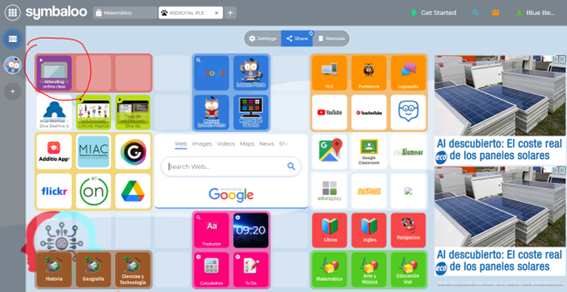
For example: Created a learning path andlinked from the main screen:
From My Webmixes: already created
To create a tile done from: Symbaloo Learning Paths
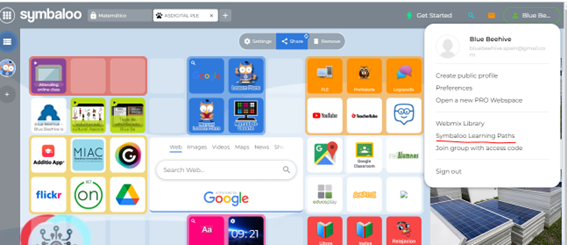
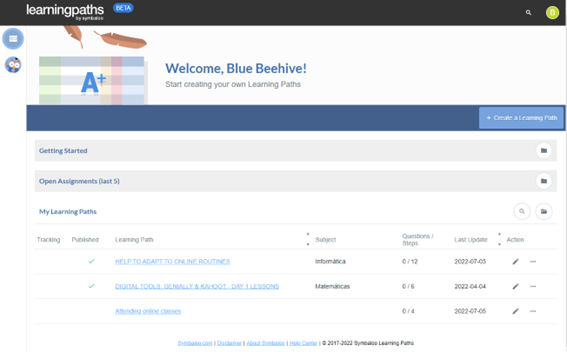
Click on: Create fun and interactive Learning Paths
It can also be accessed from the left side, from the Learning Paths icon:
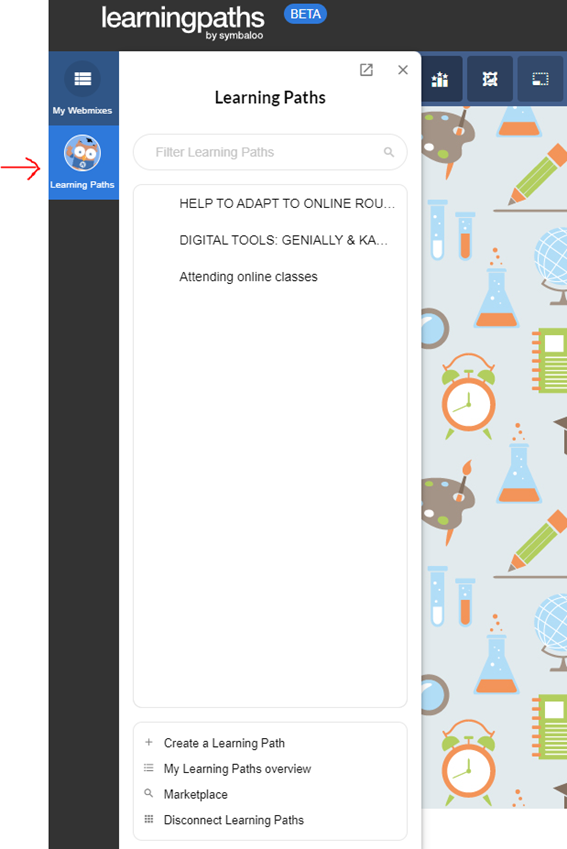
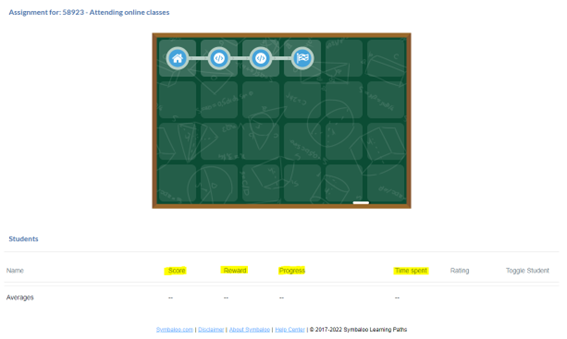
In the following image, three stations or points of passage have already been created (which in this case is the viewing of three videos)
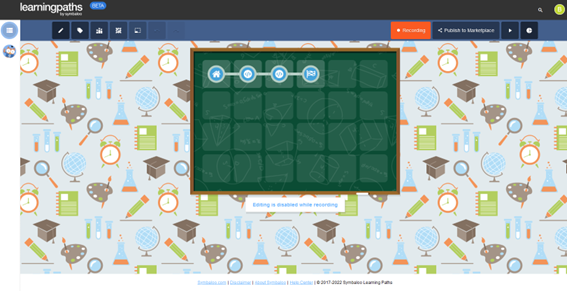
Editing is simple and intuitive to add elements:
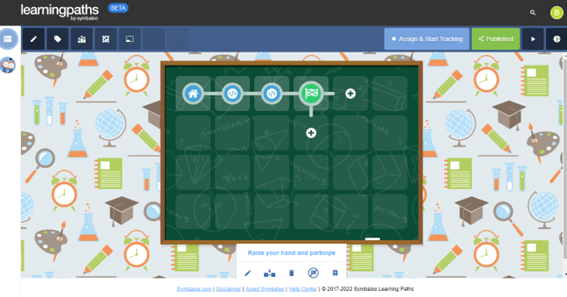
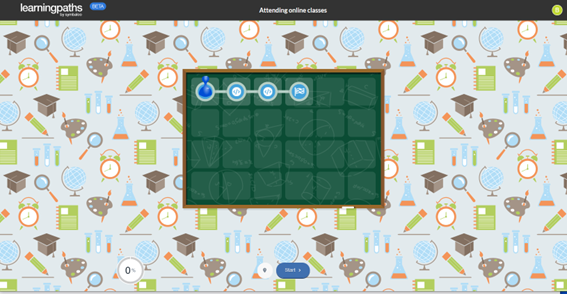
You can preview what the PLE will look like by clicking on the Start icon
There are several options, the teacher can launch and assign
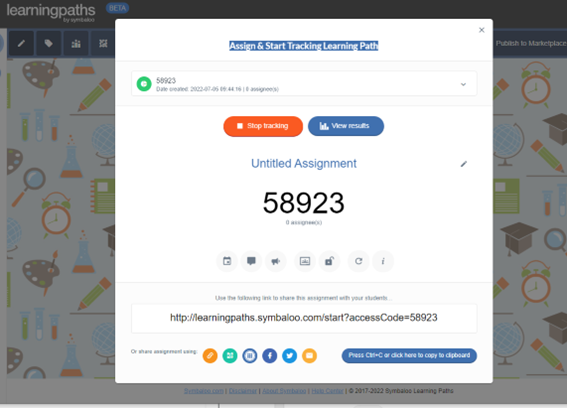
You can share with one or more students and follow up.
It is possible to launch the challenge and review the activity of each student:
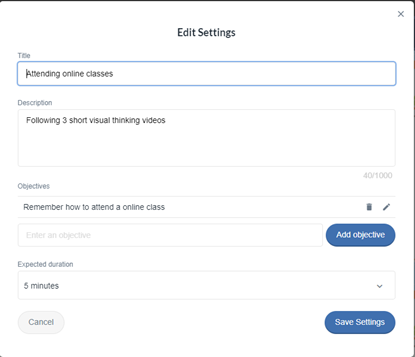
To create the Learning Path, a General Title, description, objectives, duration is edited:
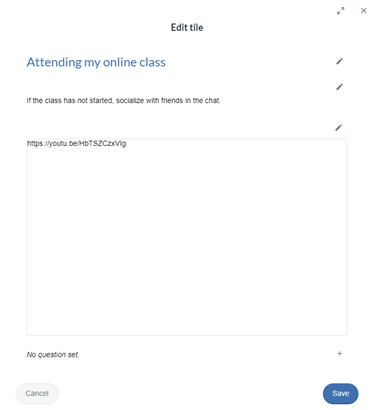
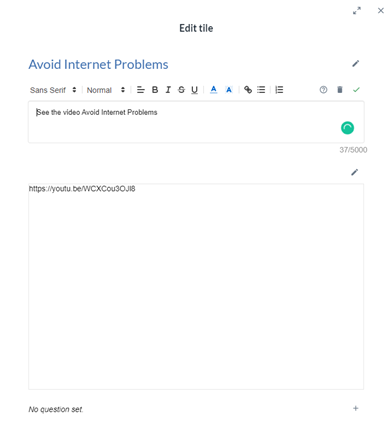
For each element that is added, the title, description and in this case the link are edited:
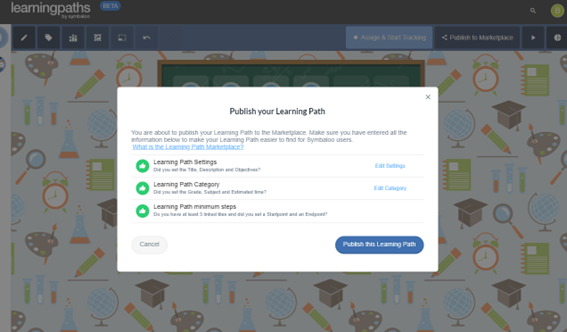
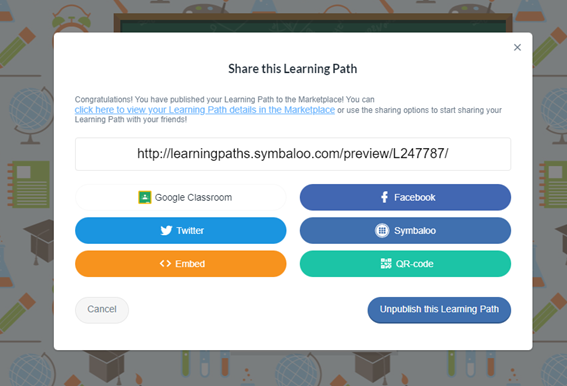
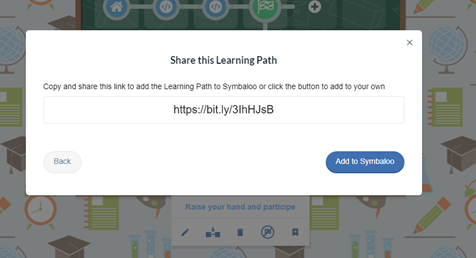
To return to the main screen, you have to go to the Webmixes icon and click on ASDIGITAL PLE
It has been located on the main screen. Add to Symbaloo. And we can edit the icon created:
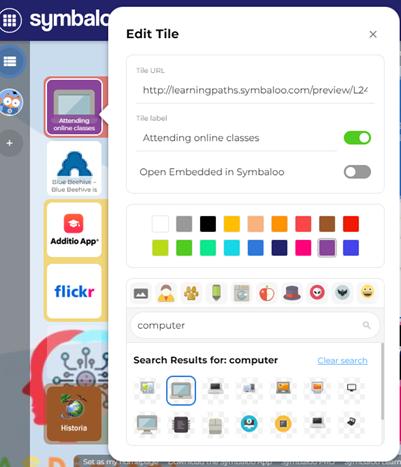
In this way we can create all the Learning Path that are necessary and link them from the main screen of the PLE.